Published: November 27, 2025 • 15 min read • By UPLYNK
Power Apps Component Framework (PCF): When and Why to Use It
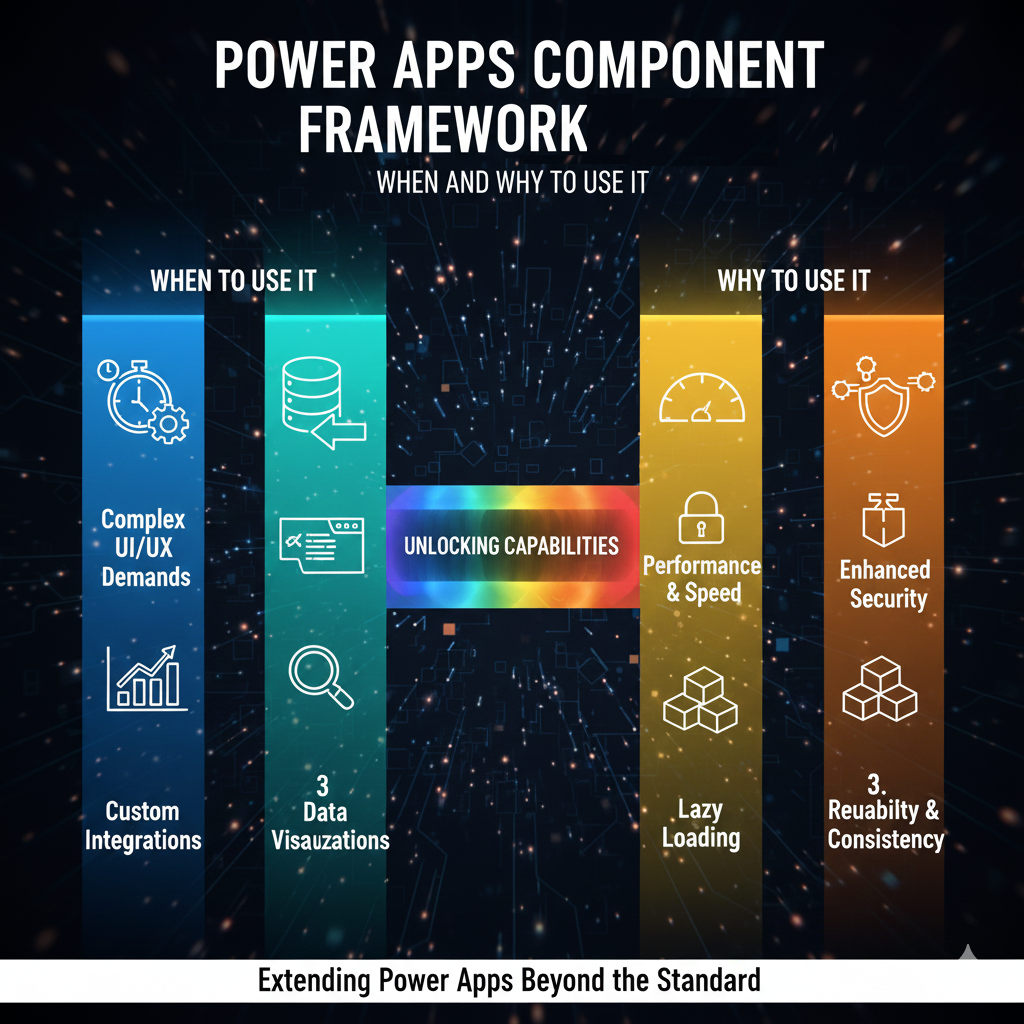
Today's business apps demand more than just data entry and form controls. They need interactive UI, clean experiences and behavior that goes beyond what standard Power Apps controls can offer. That’s exactly where Power Apps Component Framework (PCF) shines.😎
If you’ve ever felt limited by the out-of-the-box controls in model-driven apps or canvas apps, PCF is the tool that unlocks endless flexibility.
What is Power Apps Component Framework?
PCF is a framework that allows developers to build custom UI components for Power Apps, components that work seamlessly with Dataverse, model-driven apps and even canvas apps.
You can think of PCF as:
- Power Apps + Custom React-like components
- Control over HTML, CSS, JS and events
- Ability to render advanced visuals and interactive behavior
When Should You Use PCF?
PCF is powerful but it’s not always needed. Here are the right moments to leverage it.
When You Should Use PCF
1. When Out-of-the-Box Controls Are Not Enough
If standard Power Apps controls like text boxes, lookups, sliders or subgrids can’t achieve your UI or logic, PCF fills the gap.
Examples:
- Advanced visualizations like Rating stars instead of numeric fields
- A visual resource availability calendar
- Advanced data grids with inline editing
- Maps, charts and timelines
2. When You Need Rich UI Interactions
PCF allows you to use:
- HTML5
- CSS3
- TypeScript
- Modern front-end libraries
- SVG animations
This helps you build polished, app-like UI that standard Power Apps simply can’t provide.
3. When Performance Matters
Some business scenarios require ultra-fast rendering and smooth interactions like:
- Searching large datasets
- Real-time visual updates
- High-frequency field inputs
- Replacing slow subgrids
PCF components runs on client-side and can therefore perform much faster than classic web resources.
4. When You Want Reusable Components
PCF controls can be:
- Packaged
- Shared
- Reused across multiple forms or apps
For organizations using Dynamics 365 or Power Apps across teams, PCF helps create common UI standards and avoid duplication.
5. When You Need Full Control Over Behavior
PCF has built-in access to:
- Form-context
- Field metadata
- Data binding
- Client APIs
This allows you to read and write Dataverse fields directly from the UI, something regular web resources cannot safely do.
When You Should NOT Use PCF
1. When Out-of-the-Box Controls Already Work
If the requirement is simple (text fields, dropdowns, date inputs) PCF adds unnecessary complexity.
2. When Performance Requirements Are Low
Standard controls are lighter and auto-maintained by Microsoft.
3. When Time and Budget Are Limited
PCF requires development, testing, deployment and updates so it’s more expensive compared to configuring solutions.
4. When Skill Gaps Exist
PCF needs strong JavaScript/TypeScript + WebDev skills. If your team lacks these, maintaining it becomes a challenge.
Benefits of Using PCF
⭐ Fast and responsive UX
⭐ Reusable across environments
⭐ Fits seamlessly inside model-driven forms, canvas apps
⭐ Future-proof as it aligns with Microsoft’s modern client
Challenges of Using PCF
- More complex development lifecycle
- Requires strong coding skills
- Debugging can be tricky
- Must be updated with platform changes
Conclusion
PCF is a powerful tool for building advanced, intuitive and enterprise-grade UI components in Power Apps. You should use it when standard controls cannot deliver the required UX or performance. But remember, use PCF only when necessary. Simple problems don’t need complex solutions.
When used strategically, PCF elevates your Power Apps from functional… to exceptional. 😎
“At UPLYNK, we’re committed to empowering the Microsoft Dynamics 365 community through insightful blogs, practical tutorials and real-world implementation guidance — helping professionals learn, grow and stay ahead in the ever-evolving D365 ecosystem.”