Published: November 24, 2025 • 10 min read • By UPLYNK
Copilot vs ChatGPT: What’s the Difference?
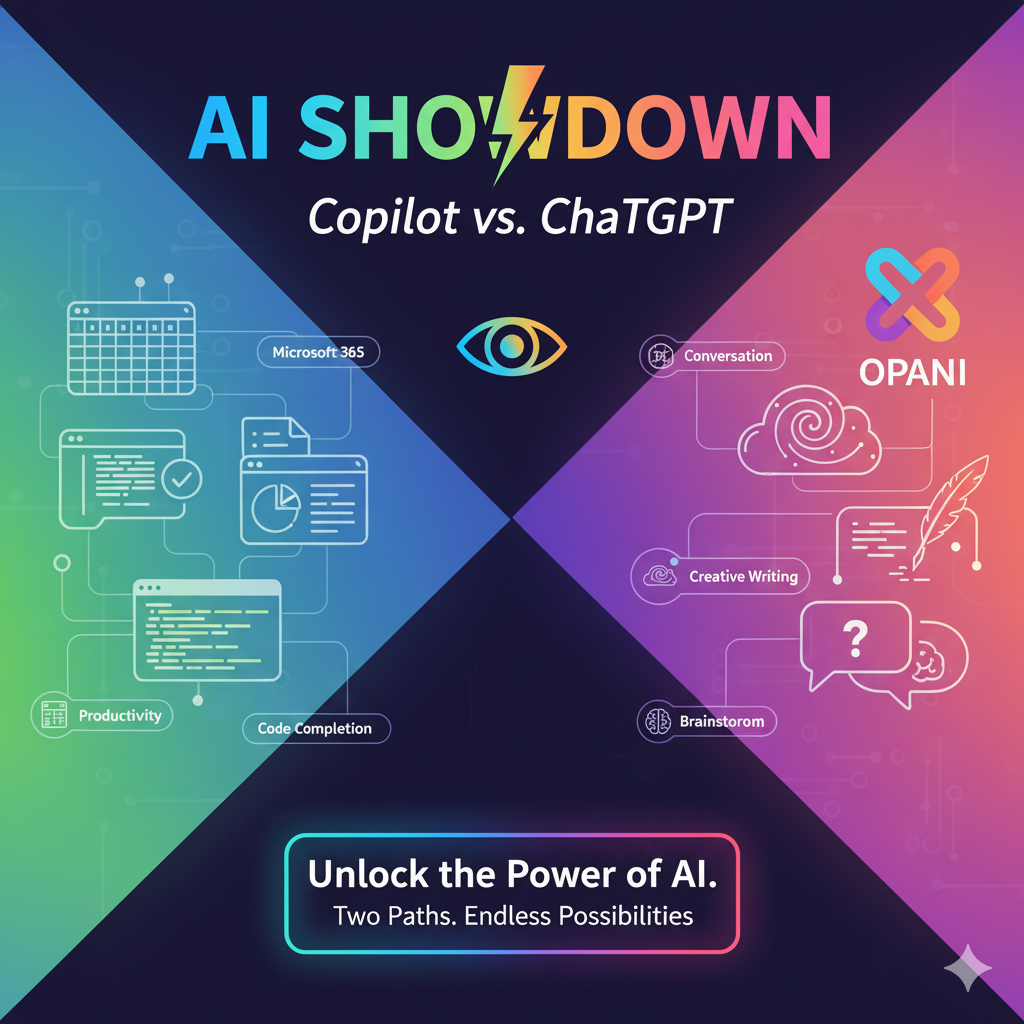
Short on time? Both are AI helpers but Copilot is built to accelerate work inside Microsoft apps, while ChatGPT is a flexible, creative conversational engine. Read on for a clear comparison and practical guidance.
Artificial Intelligence has quickly moved from being a futuristic idea to an everyday productivity partner. Among the most talked-about AI tools today are Microsoft Copilot and ChatGPT, these two powerful AI assistants are often confused with each other.
Both are built on advanced language models, both understand natural language and both help automate tasks.
Why this matters?
AI assistants are now part of everyday workflows. Organizations and professionals should understand the difference between purpose-built assistants and general conversational models so that they can pick the right tool for the task.
So what makes them different?
Let’s break it down clearly.
1. What is ChatGPT?
ChatGPT (by OpenAI) is a general-purpose conversational AI. It excels at creative generation, explaining complex topics, drafting content and helping with coding or brainstorming. It runs in a web app, mobile app and via APIs that developers can integrate into custom apps.
Best for:
- Asking questions
- Learning new concepts
- Writing content, emails, blogs
- Debugging or generating code
- Brainstorming ideas
- Automation through APIs
ChatGPT is designed to think, generate, explain and create in a wide range of topics without being tied to any specific application.
2. What is Microsoft Copilot?
Copilot is Microsoft’s AI assistant integrated directly into Microsoft 365 apps like Word, Excel, PowerPoint, Teams, Outlook and the Power Platform. It uses contextual data from your documents, spreadsheets and meetings (when permissioned) to assist with work-specific tasks.
Best for:
- Word → Drafting, rewriting content
- Excel → Formulas, insights, data summaries
- PowerPoint → Auto-layouts & presentations
- Teams → Meeting summaries, action items
- Outlook → Email drafts & reply suggestions
- Windows → System-level tasks
- Power Platform → Build apps & flows using natural language
3. Copilot = Context-Aware; ChatGPT = General Intelligence
Copilot
Works inside your Microsoft environment - it can read your Excel sheet, PowerPoint deck or email conversation and generate results specific to your content.
ChatGPT
Works with the information you type or upload. It does not automatically access your documents unless you provide them manually.
Copilot is designed to enhance daily work, not just answer your questions.
4. At a glance : quick comparison
| Aspect | Microsoft Copilot | ChatGPT |
|---|---|---|
| Primary purpose | Productivity inside Microsoft apps | General conversational, creative & coding assistant |
| Where it works | Word, Excel, PowerPoint, Teams, Outlook, Power Platform | Web, mobile, APIs, integrated into many third-party apps |
| Strength | Context-aware actions using your files & environment | Open-ended text generation, reasoning, teaching, code generation |
| Best for | Workflows, document edits, data insights, meetings | Brainstorming, learning, drafting, developer help |
5. How they complement each other
Many professionals will use both. A common pattern:
- Use ChatGPT to brainstorm ideas, refine tone or get technical explanations.
- Use Copilot inside Word/PowerPoint/Excel to insert that content, reformat and act directly on your documents and data.
Practical example
Scenario - Monthly report: One can ask ChatGPT to draft an executive summary. Then open Word and use Copilot to insert the draft, adapt tone to your company voice and pull charts from Excel.
6. Which One Should You Use?
If you want better productivity at work:
👉 Copilot is the best choice.
If you want creativity, learning, coding help or deep reasoning:
👉 ChatGPT is ideal.
If you want BOTH?
Use ChatGPT to generate → Use Copilot to execute
This combination is quickly becoming one of the most valuable skillsets of 2025.
Conclusion
While Copilot and ChatGPT share the same AI foundation, they serve very different purposes. Copilot enhances your workflows inside Microsoft tools, while ChatGPT helps you think, learn and create without boundaries.
Together, they represent the future of how students, professionals and businesses work smarter, faster and more efficiently.
Think of it like this: ChatGPT → Idea Factory & Copilot → Productivity Engine
“At UPLYNK, we’re committed to empowering the Microsoft Dynamics 365 community through insightful blogs, practical tutorials and real-world implementation guidance — helping professionals learn, grow and stay ahead in the ever-evolving D365 ecosystem.”