Published: December 5, 2025 • 20 min read • By UPLYNK
Error Handling in Power Apps: Must-Know Techniques for Pro Makers
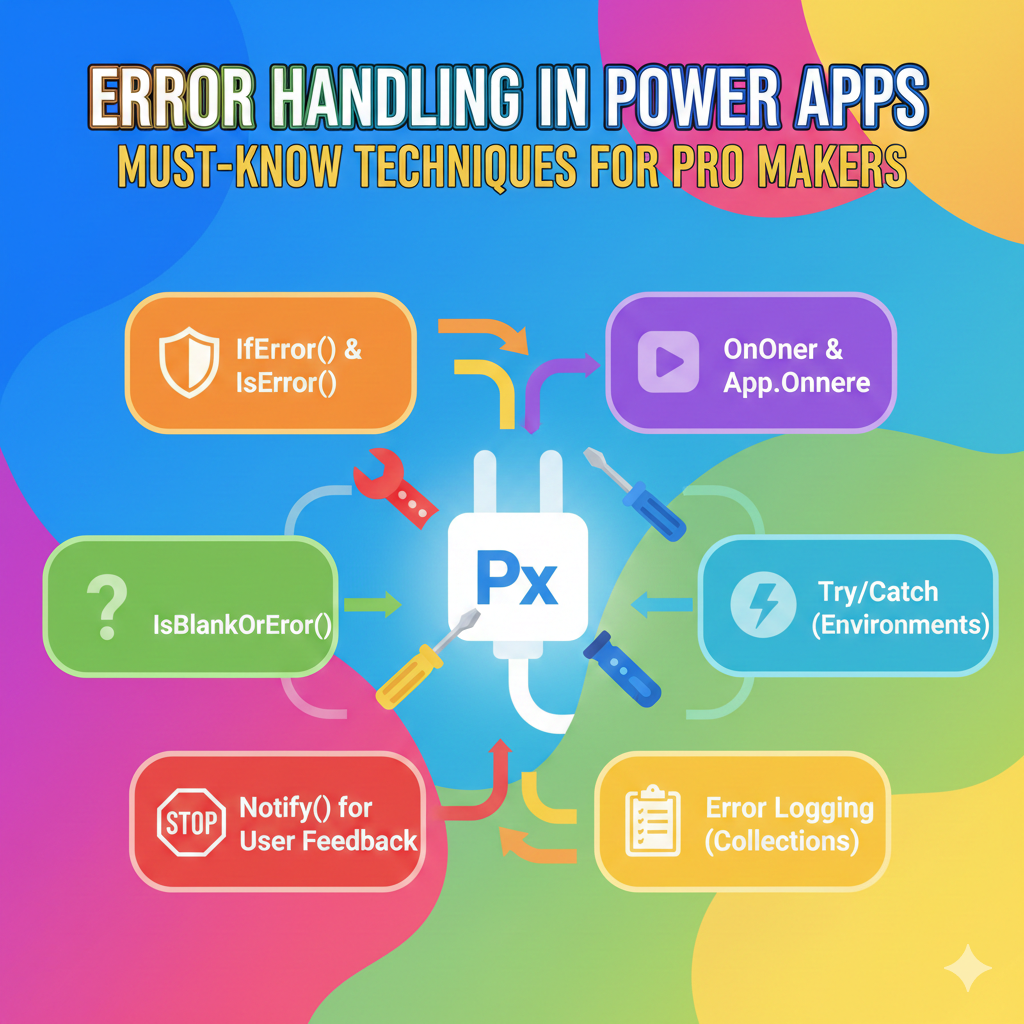
Building a great Power App isn’t just about functionality. It’s about resilience. Users expect apps to work smoothly even when something goes wrong. Whether it's a network glitch, a missing record or a faulty formula, error handling makes the difference between frustration and a polished, professional experience.
In this blog, we’ll explore essential error handling techniques every Power Apps Pro Maker should master to create robust, user-friendly applications.
Why Error Handling Matters
Without proper error handling:
- Users see confusing system-generated messages
- Data may not get saved correctly
- Debugging becomes painful
- User trust takes a hit
With smart error management:
- You capture errors gracefully
- Help users understand what to do
- Prevent bad data
- Improve maintainability
🧰Core Error Handling Tools in Power Apps
The IfError function checks values one by one until it finds an error. When it finds one, it returns a backup value and stops checking further. You can also set a default value for cases where no errors happen. It works similar to the If function, but instead of checking if something is true, it checks if there is an error. Use IfError to swap an error with a correct value so later calculations can keep working. In the following example we are using IfError() to catch problems as they happen.
IfError(

    Patch(Projects, Defaults(Projects), { Name: txtProjectName.Text }),

    Notify("Failed to create project. Try again!", NotificationType.Error)

)
✨ Pro Tip:
This replaces confusing system errors with friendly notifications.
IsError checks if something has an error. It returns true or false. You can use it to stop the error from causing more problems in your app. Use for checking input or condition results before executing logic.
If(

    IsError(Value(txtEffort.Text)),

    Notify("Enter a valid number!", NotificationType.Warning)

)
It prevents faulty actions in advance.
Often, a value might be empty or error-prone. This function handles both cases.
If(

    IsBlankOrError(txtName.Text),

    Notify("Project name is required.", NotificationType.Warning)

)
Perfect for validating user inputs and lookup values.
Captures detailed error info from data source operations.
Set(

    errorDetails,

    Errors(Projects)

);
You can:
- Display simple messages for users
- Store deeper technical details for administrators
Use Error(), when you want to force an error intentionally (to control flow or validate).
If(

    txtCost.Value < 0,

    Error("Negative cost is not allowed.")

)
Great for enforcing rules without patching data incorrectly.
Instead of fixing errors later → stop them before they happen.
Examples:
- Disable submit if invalid:
DisplayMode = If(IsBlankOrError(txtName.Text), DisplayMode.Disabled, DisplayMode.Edit)
- Show visual cues:
BorderColor = If(IsBlankOrError(txtName.Text), Red, BorderColor)
Error-proof design improves usability.
Help users recover smoothly when something breaks unexpectedly.
IfError(

    SubmitForm(frmProject),

    Navigate(scrError)

)
Include:
- Troubleshooting message
- Retry button
- Optional support contact
✨ Pro Tip:
Keeps users calm and informed instead of feeling stuck.
Store error metadata for tracking:
- Who encountered it
- When it happened
- Operation attempted
- Error message
Quick example logging to Dataverse:
Patch(

    ErrorLogs,

    Defaults(ErrorLogs),

    {

        User: User().Email,

        Time: Now(),

        Message: FirstError.Message

    }

)
💡This is a must for production apps.
Always give users clarity during connectivity issues.
If(

    !Connection.Connected,

    Notify("You're offline. Data will sync later.", NotificationType.Warning)

)
💡Avoids accidental data loss or duplicates.
Test Your Error Handling
Checklist for app launch:
- Remove network access → does the app respond well?
- Enter wrong data formats → are users guided properly?
- Invalid record references → graceful fallback?
Make Your Apps Bulletproof
Error handling transforms a functional app into a reliable and professional-grade solution. By combining:
- IsBlankOrError() for validation
- IfError() & IsError() for recovery
- Error() to enforce business rules
- Errors() for troubleshooting
- Consistent user-friendly messaging…
…your apps will withstand real-world failures with confidence.
Conclusion
Power Apps isn’t just about building logic but it’s also about building trust.
Handle errors smartly and your users will feel the difference.😊
“A reliable app is one that handles the unexpected - beautifully.”
“At UPLYNK, we’re committed to empowering the Microsoft Dynamics 365 community through insightful blogs, practical tutorials and real-world implementation guidance — helping professionals learn, grow and stay ahead in the ever-evolving D365 ecosystem.”