AI & Copilot for School Students — Learn the Future, Today!
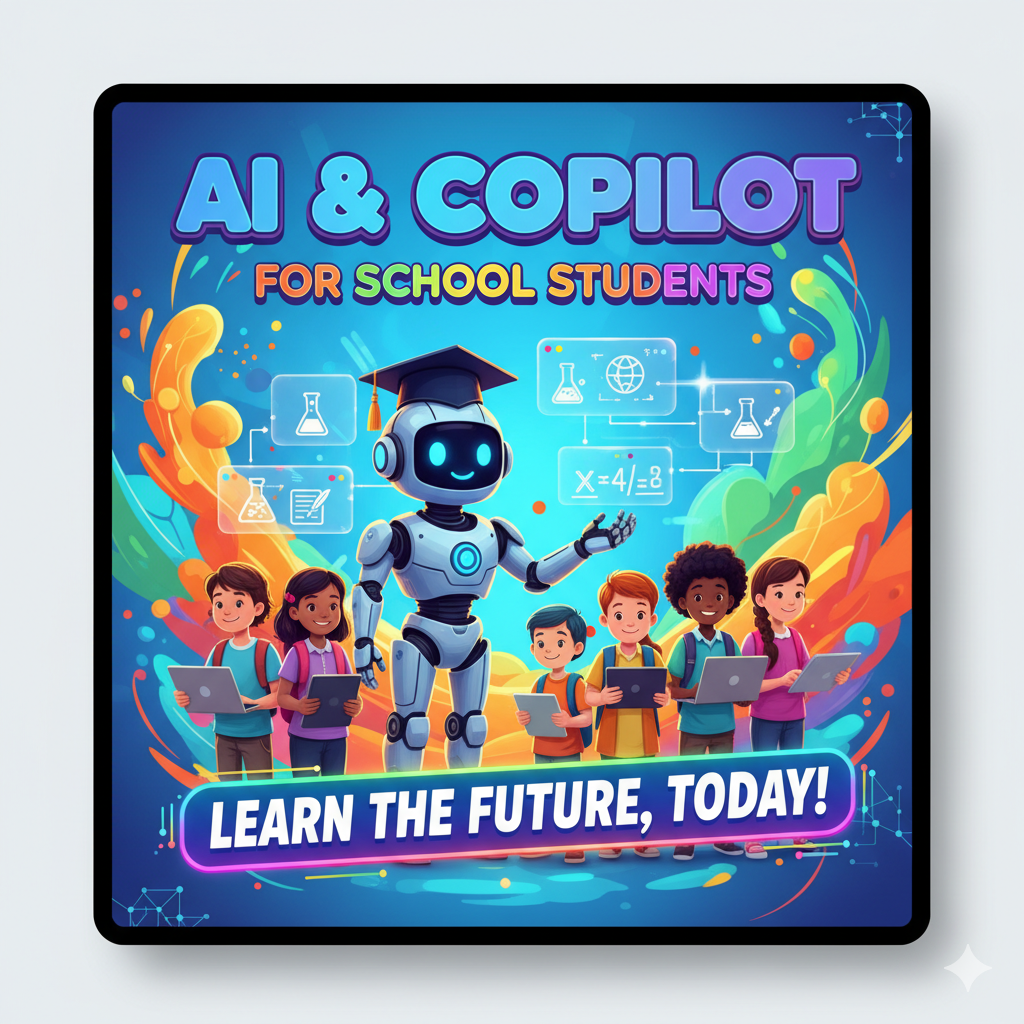
At UPLYNK, we believe future-ready learning must begin early — and this course is designed to spark curiosity, confidence and creativity in young minds. This fun and interactive program introduces school students to Artificial Intelligence, Microsoft Copilot and AI Agents in a simple and engaging way.
Students will explore how AI works through real-life examples, games and hands-on activities. They will build their first mini AI agent, with zero coding required!
Designed especially for students of classes 8 to 10, this course helps them understand AI safely, think critically and use modern tools responsibly - transforming them from passive consumers of technology into young digital creators.
Format: Instructor-led with labs
Course Introductions
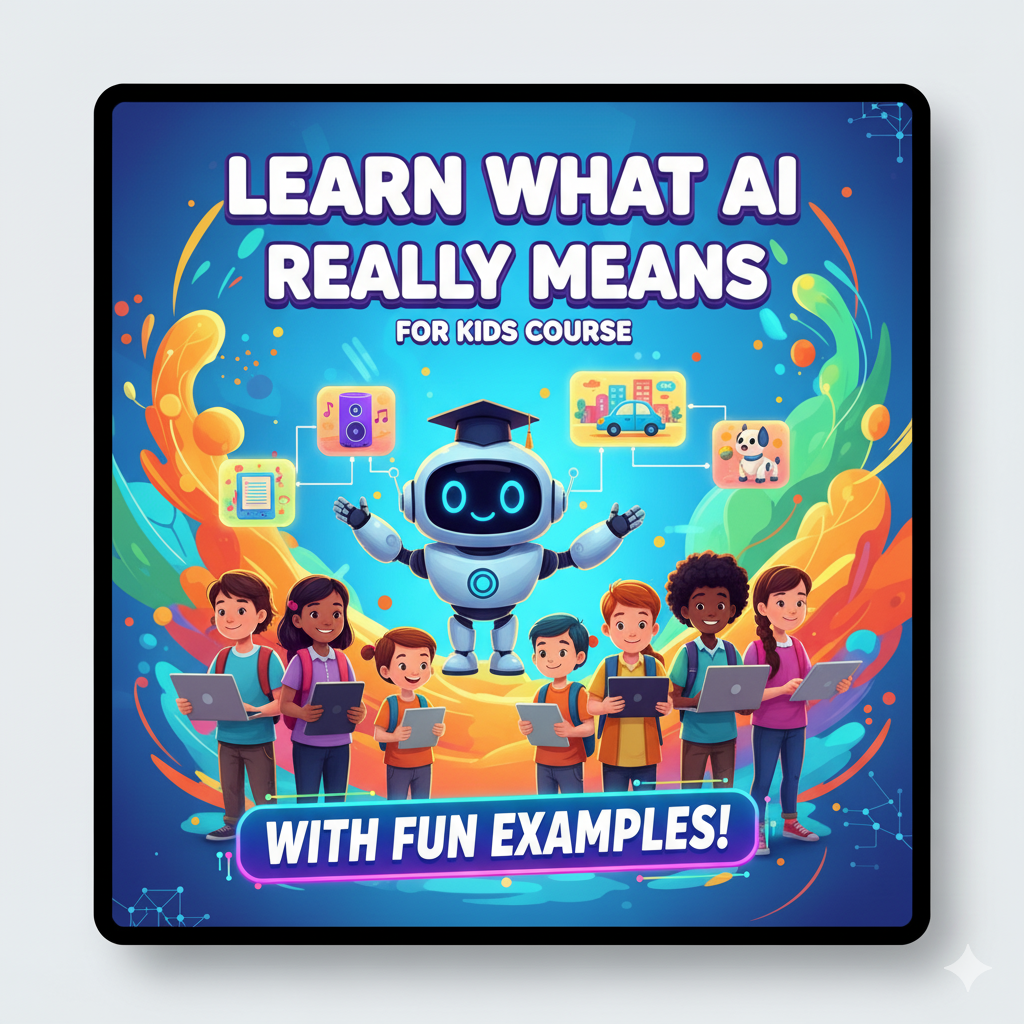
Learn what AI really means (with fun examples!)
Students explore what AI is through examples like voice assistants, robots and smart apps.
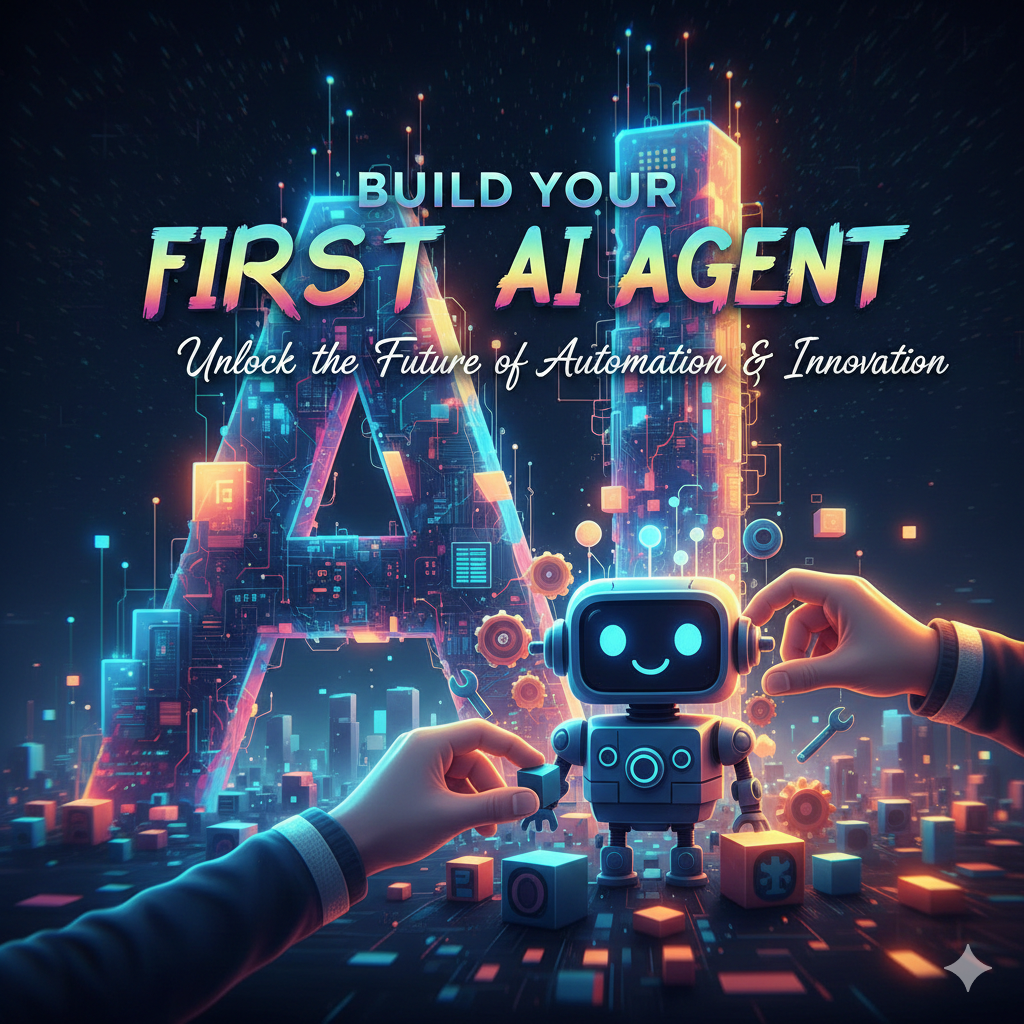
Create a simple AI agent
Using Copilot studio, students will build a basic Copilot AI agent.
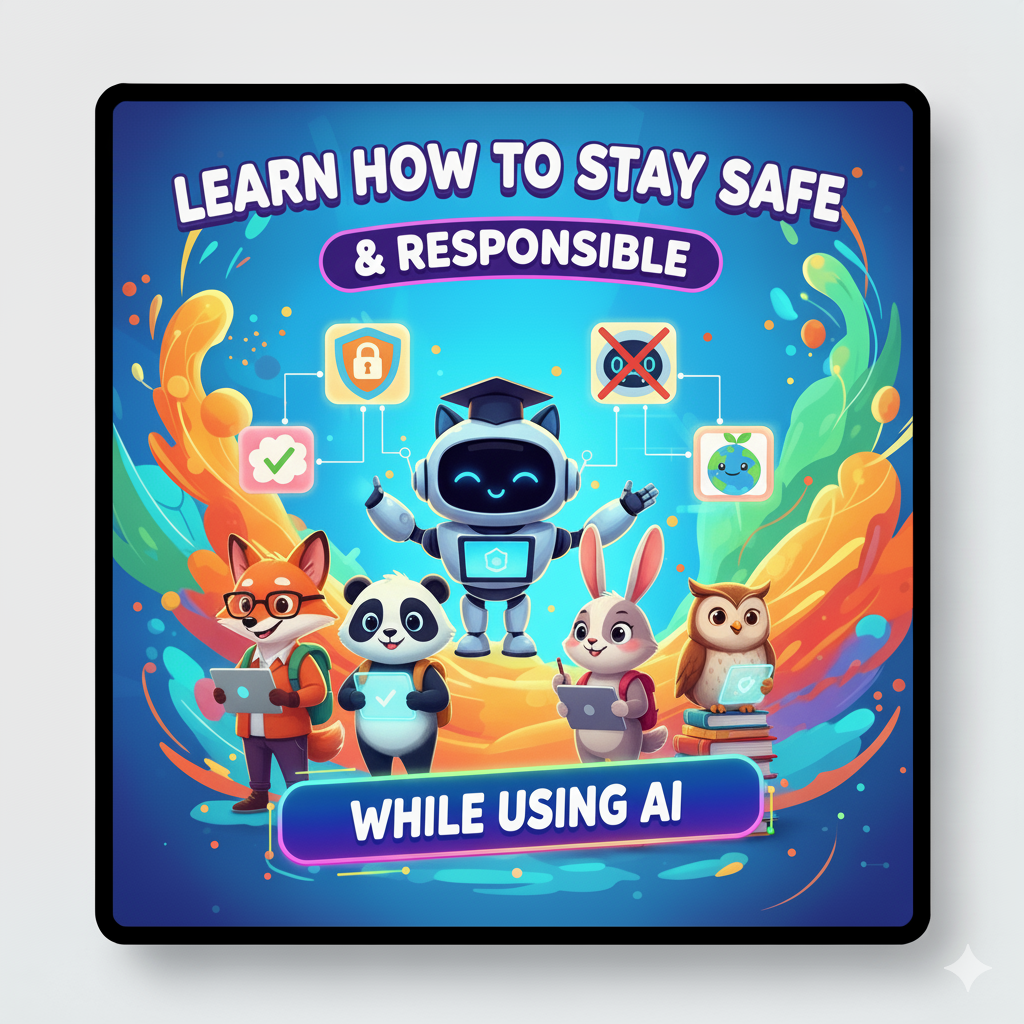
Learn how to stay safe and responsible while using AI
A must-have module teaching responsible AI use — what to ask, what not to share.
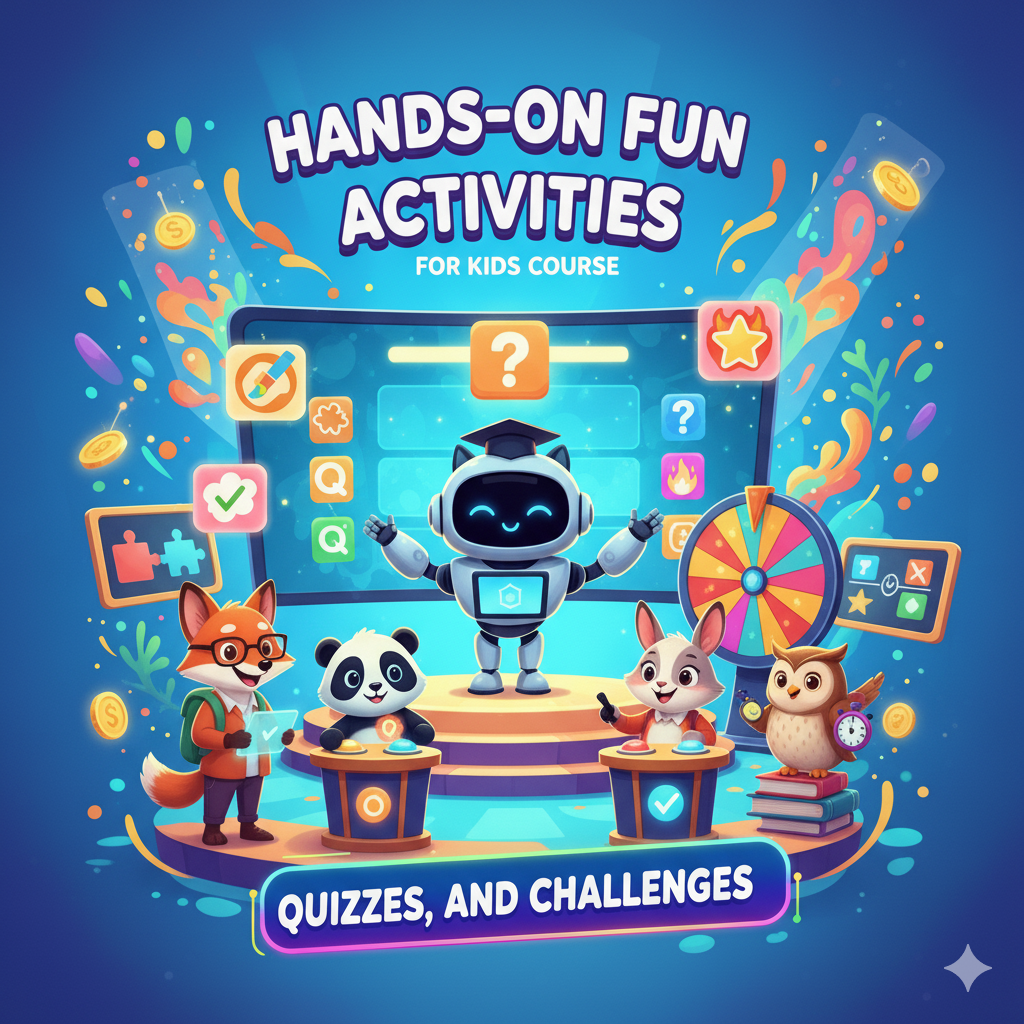
Hands-on fun activities, quizzes, and challenges
Students use AI to create stories, drawings, presentations, etc.
Day-wise Program (4 Days)
Students will learn:
- What is AI? Explained with cartoons & real-life examples
- Where do we see AI today? (Phones, games, robots, school apps)
- How machines “learn” using data
- Types of AI students can understand (Chatbots, image AI, recommendation systems)
Activities:
- “Spot the AI” challenge (find AI examples in their surroundings)
- Draw your own robot assistant
Students will learn:
- What is Copilot and how does it work?
- Copilot vs Google search — what’s the difference?
- How Copilot helps with:
- Answer questions instantly using natural language
- Summarize information and explain complex data in simple terms
- Generate content like text, formulas or responses
- Automate tasks and suggest next actions
- Analyze data and give insights quickly
Activities:
- Ask Copilot anything! (Guided)
- Summarize & Analyze information
Students will learn:
- What is a Copilot AI Agent?
- What is an AI Agent?
- How AI Agent answer questions
- How to design your own simple AI agent
Hands on project:
- Build a simple Copilot AI Agent
- Name your Agent
- Customize your agent
- Test and improve the AI agent with friends
Activities:
- “My School Helper AI agent” — create a Copilot AI agent that answers questions about:
- Subjects
- General knowledge
- School reminders
Students will learn:
- AI for creativity (stories, drawings, project ideas)
- AI for learning (explanations, quizzes, revision)
- Do’s and Don’ts of AI
- AI Safety rules for children
- What not to share
- How to use AI responsibly
Activities:
- Create a quiz with Copilot
- Showcase: Students share their AI Agent
- 🏅🏅🏅 You’re an AI Hero! – Receive your certificate for completing the journey with excellence.
🚀 Learning Outcomes
By the end of the 4-day program, students will be able to:
- 🤖 Understand Artificial Intelligence in a simple, fun way
- 📝 Use Copilot confidently for studies and creativity
- 💬 Build a basic AI agent
- 🧠 Think critically and evaluate AI-generated answers
- 🔒 Stay safe and responsible while using AI tools
- 🌟 Become confident, creative and future-ready learners!
- 🤝 Collaborate better using AI for group projects and brainstormin
- 🌱 Use AI ethically & responsibly with awareness of digital safety

Charmaine Khadye
CEO , UPLYNK