Power BI – Data Visualization and Business Intelligence

The Power BI – Data Visualization course by UPLYNK is a comprehensive, hands-on training designed to build expertise in transforming raw data into actionable insights using Microsoft Power BI. Over 9 intensive days, participants will explore every stage of the Power BI lifecycle — from data import, transformation, and modeling, to building interactive dashboards and publishing secure reports in the Power BI Service. This course blends conceptual understanding with practical exercises, real-world projects, and best practices to ensure learners can confidently design, analyze, and share professional business intelligence solutions.
Format: Instructor-led with labs
Course Introductions
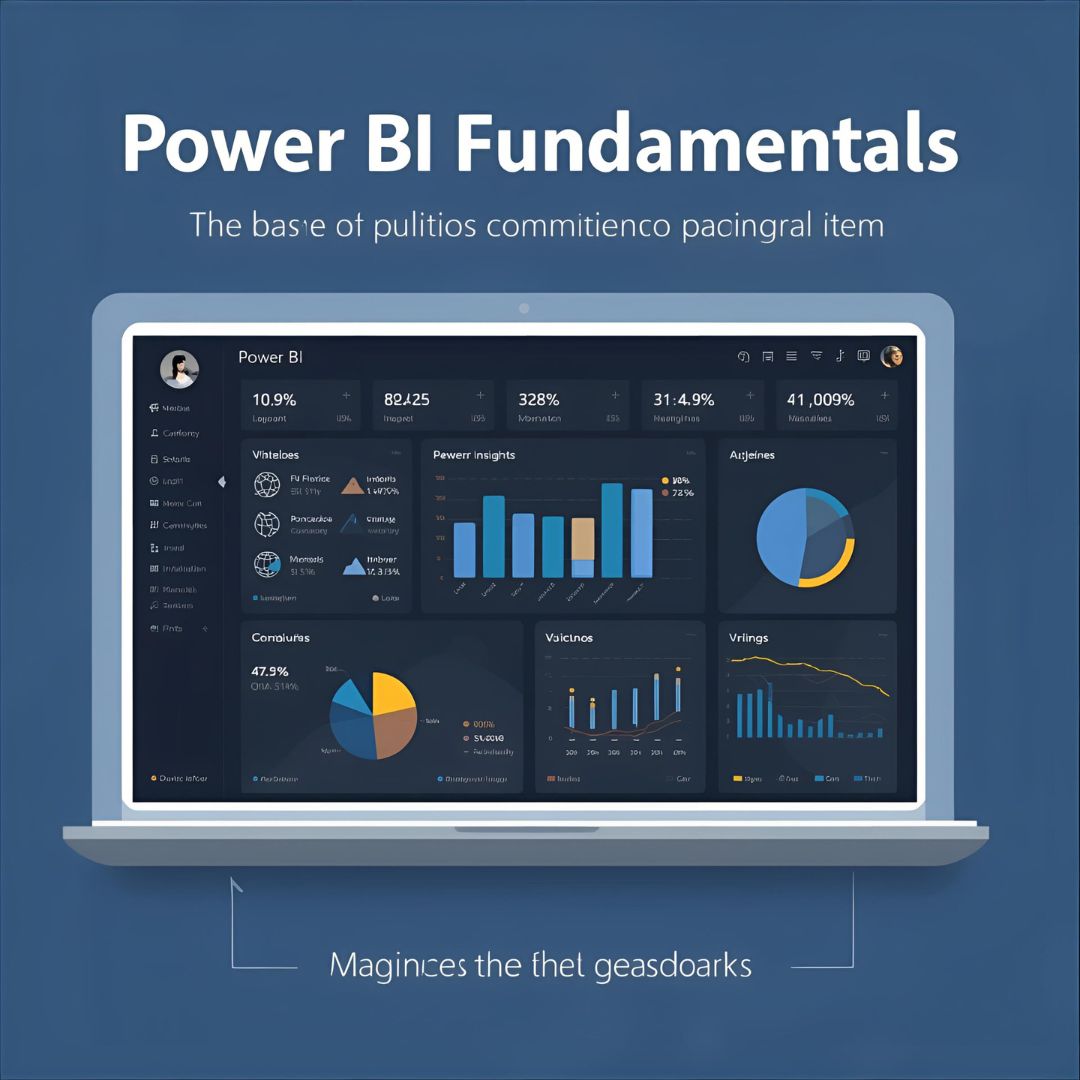
Power BI Fundamentals
Get introduced to Power BI architecture, components, and setup. Learn how to connect data sources and explore Power BI Desktop.
Data Modeling & Transformation
Master Power Query for data cleaning and transformation. Build relationships, hierarchies, and calculated fields for optimized models.

DAX Functions & Expressions
Develop analytical skills using DAX formulas for aggregations, time intelligence, and logic to enhance your report insights.

Data Visualization & Reports
Design visually stunning reports using charts, maps, slicers, and interactive visuals for clear data storytelling.

Power BI Service & Collaboration
Learn how to publish, share, and collaborate on dashboards using Power BI Service with permissions and workspaces.
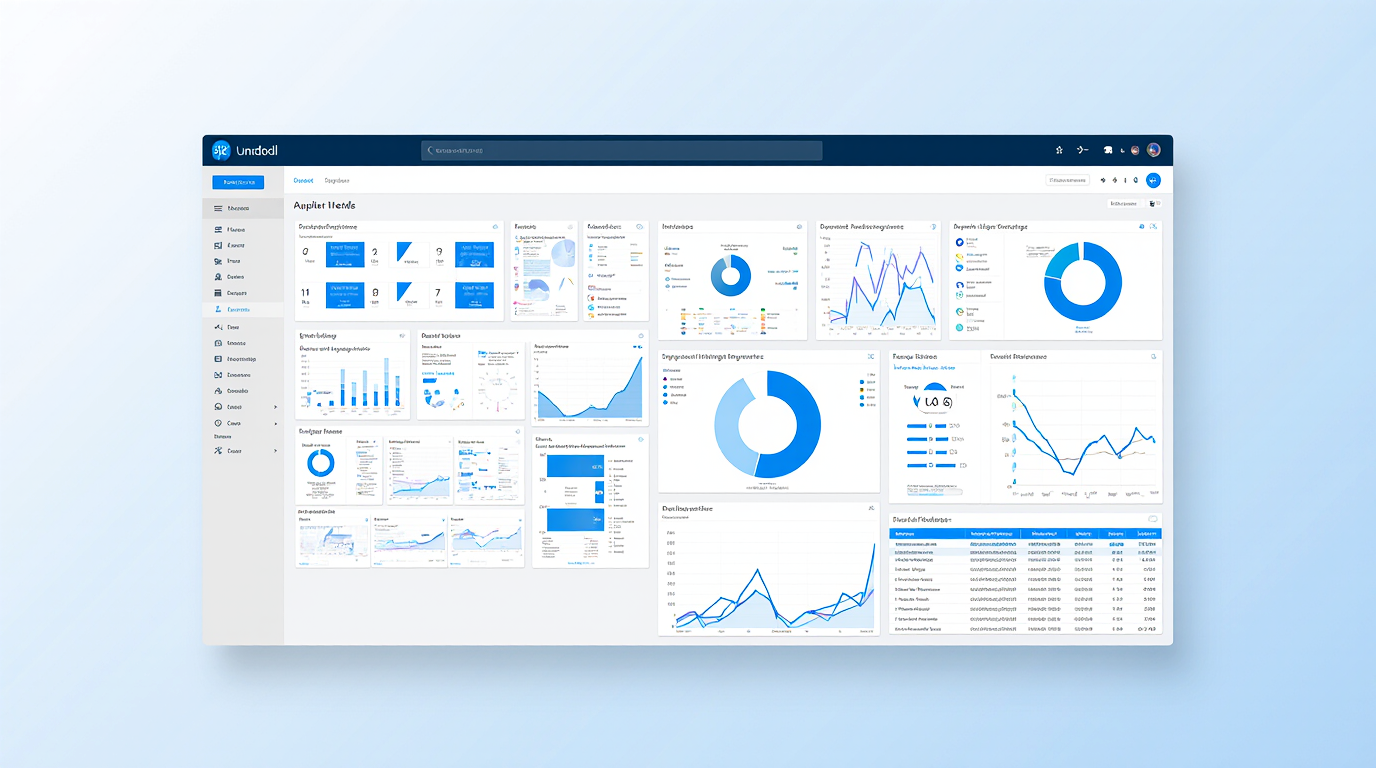
Advanced Features & Governance
Implement Row-Level Security, Power BI Gateway, custom visuals, and governance for enterprise-level solutions.
Day-wise Program (9 Days)
- Overview of Business Intelligence and Power BI Ecosystem
- Power BI Architecture and Components
- Installing Power BI Desktop and Interface Walkthrough
- Understanding Reports, Dashboards, and Datasets
- Power BI Licensing Overview
- Working with different data sources: Excel, SQL Server, Web, CSV
- Understanding Power Query Editor
- Data loading options (Import vs DirectQuery)
- Managing Data Types and Columns
- Basic data cleaning and shaping
- Data profiling and column operations
- M Language overview
- Grouping, Merging, and Appending Queries
- Advanced transformations and parameterization
- Hands-on: Clean and prepare multi-source data
- Understanding tables, relationships, and cardinality
- Managing model performance and best practices
- Creating calculated columns, measures, and hierarchies
- Role of star schema in modeling
- Practical exercise: Create a relational model
- DAX syntax and evaluation context
- Calculated columns vs measures
- Core functions: Logical, Math, and Text
- Date and Time Intelligence functions
- Hands-on: Writing basic and intermediate DAX
- Exploring visuals: Charts, Tables, Cards, Slicers, and Maps
- Formatting, grouping, and aligning visuals
- Using bookmarks, buttons, and filters
- Designing for interactivity and usability
- Exercise: Build an interactive sales analysis dashboard
- Publishing reports to Power BI Service
- Creating Dashboards and Tiles
- Sharing, Permissions, and Workspace roles
- Alerts, Subscriptions, and Quick Insights
- Using Q&A for natural language queries
- Row-Level Security (RLS) – static and dynamic
- Power BI Gateway — setup, configuration, and refresh
- Working with Power BI Report Server
- Importing and using Custom Visuals from AppSource
- Content Packs and App Deployment
- Testing and performance optimization
- Error handling and debugging
- Versioning and environment management
- End-to-end capstone project: Build, publish, and share a real-world dashboard
- Review, Q&A, and Certification guidance